
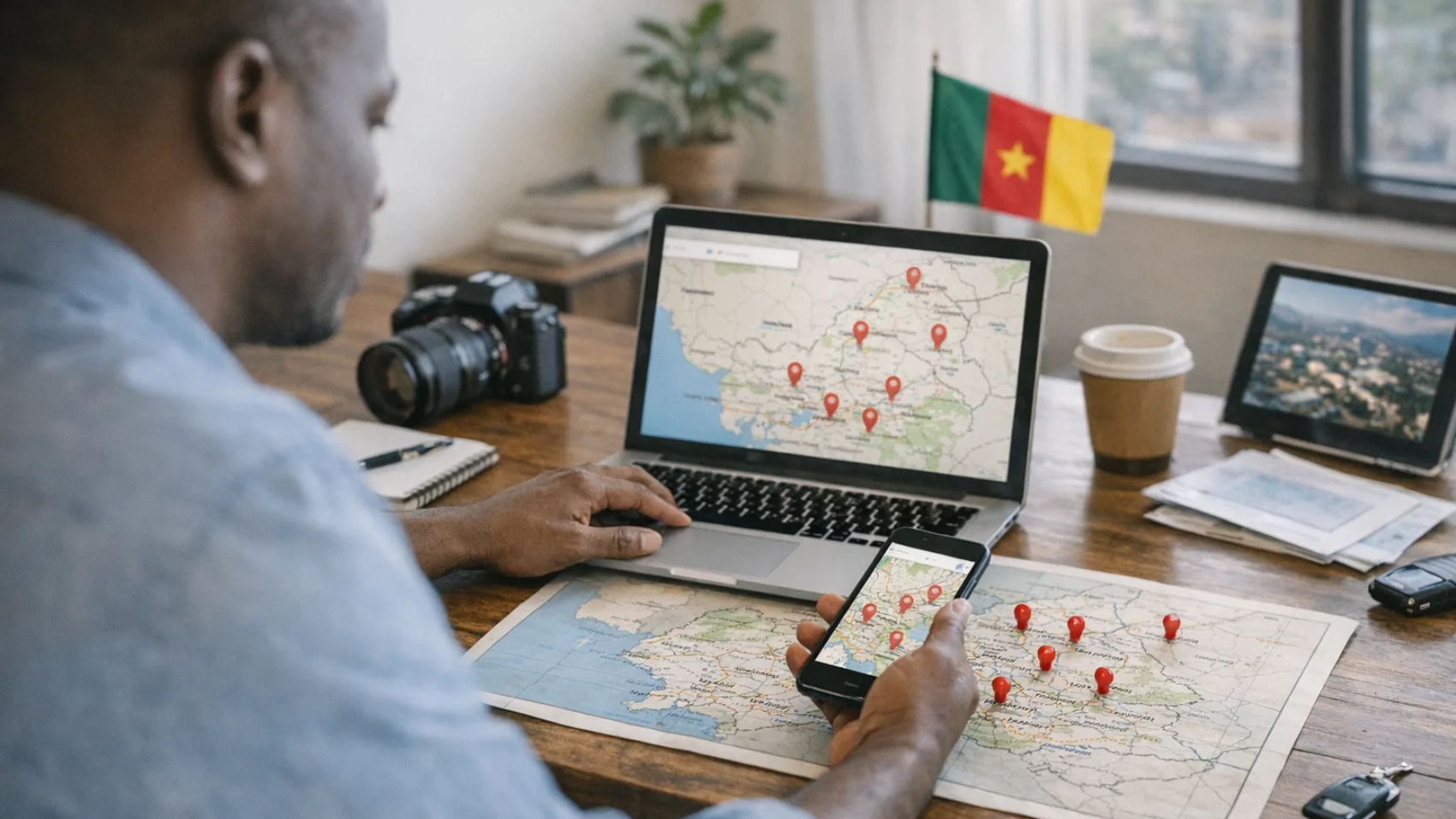
How to Create a Google Maps and Local Search Strategy for a Multi-Location Business in Cameroon

How to Create a Google Maps and Local Search Strategy for a Multi-Location Business in Cameroon

Local SEO for Multiple Locations in Cameroon: The Short Answer

To build a successful Google Maps and local search strategy for a multi-location business in Cameroon, you need to create a separate, verified Google Business Profile for each branch, build individual location pages on your website, and optimise every listing and page with city-specific content. Businesses operating across Buea, Douala, and Yaoundé face a unique challenge: each city has a different customer base, different search behaviour, and different competition levels. A single generic listing will not rank well in all three. You need a structured, location-by-location approach.

Why Local SEO for Multiple Locations Is Different in Cameroon

Many business owners in Cameroon assume that one Google Business Profile or one website is enough to attract customers across the country. It is not. Google ranks local results based on proximity, relevance, and authority — and a single profile registered in Douala will rarely appear prominently in searches originating from Buea or Yaoundé.

Cameroon’s digital landscape adds further complexity. Customers in Buea tend to search in English, while those in Yaoundé and parts of Douala often search in French. Mobile usage is dominant nationwide, and many potential customers discover businesses through Google Maps before they ever visit a website. If your branches are not individually optimised on Google Maps, you are losing foot traffic and leads to competitors who are.

For a deeper foundation on general local SEO principles, read our guide on Local SEO: Tips for Small Businesses to Thrive Online.

Step 1: Create a Separate Google Business Profile for Each Branch

The single most important action you can take is to set up a dedicated, verified Google Business Profile for every physical branch your business operates. Each profile must reflect the exact details of that specific location.

For each branch profile, make sure you include:

  • The precise local address — for example, Molyko, Buea or Akwa, Douala — not a generalised regional address.
  • A local phone number for that branch, not a single national number shared across all locations.
  • Branch-specific opening hours, which may differ between your Yaoundé headquarters and your Buea satellite office.
  • Photos of that specific branch — interior, exterior, team members, and products available at that location.
  • A branch-specific business description that mentions the city, the neighbourhood, and the services available there.
  • The correct primary category and relevant secondary categories for each location’s offering.

If you have not yet set up your first Google Business Profile, start with our complete walkthrough: How to Set Up a Google Business Profile for a Business in Cameroon.

Step 2: Build Individual Location Pages on Your Website

Every branch needs its own dedicated page on your website. This is what SEO professionals call a location page, and it is a critical component of any local SEO for branches in Cameroon strategy. A location page gives Google a web-based signal that confirms your business genuinely operates in that city.

Each location page should include the following elements:

  • A unique H1 heading that includes the city name and your primary service — for example, “Web Design Services in Buea, Cameroon.”
  • A written description of that specific branch, the services it offers, and the areas it serves nearby.
  • The branch’s full NAP details (Name, Address, Phone) written clearly in the page text — not just embedded in an image.
  • An embedded Google Maps widget pointing to that branch’s exact pin.
  • Localised customer testimonials or case studies from clients in that city.
  • A clear call to action linking to a contact form or phone number specific to that branch.

Critically, do not copy the same content across all location pages and simply swap out the city name. Google recognises duplicate content and will not rank thin, templated pages. Write genuinely unique content for your Douala page, your Yaoundé page, and your Buea page. Mention local landmarks, describe the neighbourhood, and reference local events or industry context where relevant.

Step 3: Optimise for Bilingual Local Search

Cameroon is officially bilingual, and your local SEO strategy must reflect that reality. A customer in Yaoundé is likely searching in French — “agence web à Yaoundé” or “référencement local Cameroun” — while a customer in Buea will search in English. If all your location pages are written in only one language, you are invisible to half your potential market.

For location pages serving francophone cities like Yaoundé and parts of Douala, consider publishing French-language versions of those pages. Structure your URLs and hreflang tags correctly so that Google understands which language version serves which audience. Our detailed guide on Bilingual Website SEO in Cameroon: How to Structure English and French Pages covers exactly how to do this without confusing Google or duplicating content.

Step 4: Build Consistent Local Citations Across Directories

A citation is any online mention of your business’s name, address, and phone number. For Google Maps SEO in Cameroon, citations are a ranking signal that tell Google your business is legitimate and that its location data is accurate. Inconsistent citations — where your Douala branch appears with three different phone numbers across different websites — actively harm your rankings.

To build citations effectively for a multi-location business in Cameroon:

  1. List each branch separately on relevant directories, ensuring the NAP is identical to what appears on your Google Business Profile and your website location page.
  2. Submit each branch to local and regional business directories used in Cameroon, as well as any industry-specific directories relevant to your sector.
  3. Ensure that your social media pages — Facebook, LinkedIn, Instagram — reflect the correct details for each branch if you operate separate pages per location.
  4. Audit your existing citations regularly and correct any inconsistencies using a spreadsheet to track every directory and the information submitted.

Step 5: Generate and Manage Branch-Level Google Reviews

Google reviews are one of the strongest local ranking factors for Google Maps results. For a multi-location business, you need reviews accumulating on each individual branch profile — not just your main profile. A Buea branch with 40 positive reviews will outperform a competitor with none, even if your Douala profile has 200 reviews.

Encourage branch-level reviews by training your staff at each location to ask satisfied customers to leave a review on Google. Make it simple by sharing the direct review link for each branch profile with customers via WhatsApp or SMS after a transaction. Respond to every review — positive and negative — using the branch manager’s name and references to the local context to demonstrate authenticity.

Step 6: Use Google Business Profile Posts and Q&A for Each Branch

Google Business Profile allows you to publish posts — short updates, offers, events, and announcements — that appear directly in your Maps listing. For multi-location businesses, this feature is often ignored, but it is a low-effort way to keep individual branch profiles active and relevant. An active profile signals to Google that the business is operational and engaged.

Post branch-specific content: an offer running only at your Yaoundé branch, a new product line arriving at your Douala store, or an event hosted at your Buea office. Also monitor and answer the Questions and Answers section on each profile proactively, as unanswered questions can be answered by the public — sometimes inaccurately.

Step 7: Track Performance Per Location

A multi-location strategy requires multi-location measurement. Google Business Profile’s built-in insights will show you how each branch profile performs — how many people searched for it, how many clicked for directions, and how many called. But for deeper analysis of which location pages on your website are generating enquiries and conversions, you need Google Analytics 4.

Our guide on How to Track Website Leads and Sales with Google Analytics 4 in Cameroon will show you how to set up conversion tracking so you know exactly which branch pages are performing and which need improvement.

Common Mistakes Multi-Location Businesses in Cameroon Make

  • Using one Google Business Profile for all branches — this limits your visibility to a single map pin and a single location’s search radius.
  • Creating location pages with identical content — Google will discount or ignore pages it identifies as near-duplicate.
  • Ignoring French-language searches — especially damaging for branches in Yaoundé and Douala.
  • Leaving Google Business Profiles unclaimed or unverified — unverified profiles cannot be managed and may display incorrect information.
  • Failing to respond to reviews — unanswered negative reviews damage trust and can reduce local rankings over time.

Get Expert Help with Your Multi-Location SEO in Cameroon

Building and maintaining a local SEO strategy across multiple cities in Cameroon is a significant and ongoing commitment. From setting up and verifying individual Google Business Profiles to writing unique location pages and managing bilingual content, every step requires precision to produce results.

G-DESIGNS LTD works with businesses in Buea, Douala, and Yaoundé to build local search strategies that generate real enquiries from real customers. If you want your branches to dominate Google Maps results in your cities, explore our SEO Services or contact us today for a consultation tailored to your specific locations and industry.
Learn how to set up a Google Business Profile in Cameroon step by step. Get found on Google Maps and attract more local customers today.

How to Set Up a Google Business Profile for a Business in Cameroon

Google Business Profile Cameroon: The Complete Setup Guide for Local Businesses

If a potential customer in Buea, Douala, or Yaoundé searches for a service you offer, does your business appear on Google Maps? If not, you are leaving money on the table. Setting up a Google Business Profile in Cameroon is one of the most powerful — and completely free — steps you can take to get your business found online. This guide walks you through every step of the process, explains what to do when you hit common roadblocks in Cameroon, and shows you how to maximise your listing once it is live.

What Is a Google Business Profile and Why Does It Matter in Cameroon?

A Google Business Profile (formerly Google My Business) is a free tool that allows businesses to manage how they appear on Google Search and Google Maps. When someone searches for best restaurant in Buea or web designer in Douala, the business listings that appear in the map section at the top of the results are Google Business Profiles.

For businesses in Cameroon, this matters enormously. Mobile internet usage is rising fast, and more Cameroonians are using Google every day to find local services before making a purchasing decision. A complete, verified Google Business Profile means your business name, location, phone number, opening hours, photos, and customer reviews all appear instantly — even if a searcher has never heard of you before.

Having a profile also strengthens your broader digital presence. As we explain in our guide on why every small business in Cameroon needs a website in 2026, customers today research businesses online before they visit or call. Your Google Business Profile is often the very first impression you make.

Requirements Before You Begin

Before creating your profile, make sure you have the following ready:

  • A Google account (Gmail address)
  • Your exact business name as it appears on signage or official documents
  • A physical address or defined service area in Cameroon
  • A working phone number (local Cameroon number preferred)
  • Your business category (e.g., Restaurant, Clothing Store, Digital Marketing Agency)
  • Your business hours
  • A short business description
  • At least a few high-quality photos of your premises, products, or team

You do not need a website to create a profile, though having one significantly improves your local SEO results. If you do not yet have a website, check out our SEO services to understand how a well-optimised web presence works alongside your Google listing.

Step-by-Step: How to Set Up a Google Business Profile in Cameroon

Step 1 — Go to Google Business Profile and Sign In

Visit business.google.com and sign in with your Google account. If you do not have one, create a free Gmail account first. Click Manage now to begin.

Step 2 — Enter Your Business Name

Type your exact business name into the search field. Google will check whether a listing already exists. If your business appears in the dropdown, someone may have already created a profile, you can claim it. If not, click Add your business to Google to start fresh.

Step 3 — Choose Your Business Category

Select the category that best describes what your business does. This is one of the most important steps for local SEO in Cameroon because Google uses your category to decide when to show your listing. Choose the most specific and accurate option available, then add secondary categories if relevant.

Step 4 — Add Your Location or Service Area

If customers visit your physical premises — a shop, salon, office, or restaurant — choose Yes when asked if you want to add a location customers can visit, then enter your street address. For businesses in Cameroon that serve customers at their location (plumbers, caterers, delivery services), choose to add a service area instead, specifying the towns or regions you cover.

Important note for Cameroon: Google Maps coverage in some areas of Cameroon is less detailed than in Europe or North America. If your street is not yet mapped, enter the closest recognisable landmark or neighbourhood, then use the map pin to drag and drop your exact location manually.

Step 5 — Add Contact Details

Enter your business phone number. Adding your website URL here is strongly recommended, as it helps Google verify your business and drives direct traffic. If you do not yet have a website, this is a good moment to consider one.

Step 6 — Verify Your Business

Verification proves to Google that your business is real and that you are its legitimate owner. In Cameroon, the most common verification options are:

  • Postcard by mail: Google sends a postcard with a PIN to your business address. This can take 5–14 days and is less reliable in some areas of Cameroon due to postal service limitations.
  • Phone call or SMS: Available for some businesses — Google calls or texts your listed number with a verification code.
  • Email: Available for certain account types — Google sends a code to your business email.
  • Video verification: Google may request a short video showing your business location, signage, and equipment. This option has become more common recently and is often the fastest route for Cameroonian businesses. Google’s own official guidance on Business Profile verification provides a full breakdown of each method and what to expect during the process.

If the postcard option is your only choice and it fails to arrive, log back into your profile and request a new code, or check whether video verification has become available for your account.

Step 7 — Complete Your Profile

Once verified, fill in every section of your profile. A complete profile performs significantly better in local search rankings. Add:

  • Accurate business hours (including special hours for public holidays)
  • A compelling business description using natural language that includes keywords like the services you offer and the cities you serve
  • High-quality photos of your storefront, interior, team, and products or services
  • Products or services listings with prices where possible
  • Your website link
  • Questions and answers in the Q&A section

How to Optimise Your Google Business Profile for Local SEO in Cameroon

Creating the profile is just the beginning. To consistently appear at the top of Google Maps results in Cameroon, you need to actively manage and optimise your listing.

Collect and Respond to Reviews

Customer reviews are one of the strongest ranking signals for local search. Ask satisfied customers to leave a Google review and respond to every review — positive or negative — professionally and promptly. Reviews also build trust with new customers who are deciding whether to contact you. Our article on the power of social proof in customer acquisition explains exactly why this matters for converting visitors into paying customers.

Post Regular Updates

Use the Posts feature within your profile to share offers, news, events, and product updates. Regular posts signal to Google that your business is active and relevant, which can positively influence your ranking.

Keep Information Consistent

Your business name, address, and phone number (NAP) must be identical across your Google Business Profile, your website, your social media pages, and any other online directories. Inconsistencies confuse Google and can hurt your local SEO rankings.

Combine With Other Local Marketing Strategies

Your Google Business Profile works best as part of a broader digital strategy. If you are targeting customers in specific towns, combining your listing with targeted social media advertising can dramatically increase your reach. See our guide on targeting local customers on Facebook for Buea businesses for practical tactics you can use alongside your Google presence.

Common Mistakes to Avoid

  • Using a P.O. box or virtual address instead of a real business location
  • Keyword-stuffing your business name (e.g., writing “Mama’s Kitchen — Best Food Buea Cameroon” instead of simply “Mama’s Kitchen”)
  • Leaving your profile incomplete or allowing it to go stale with outdated information
  • Ignoring customer reviews or failing to respond to them
  • Using a personal Gmail account name that does not match your business

Do You Need a Website Alongside Your Google Business Profile?

Your Google Business Profile is a powerful starting point, but it is not a substitute for a professional website. A website gives you full control over your brand story, allows you to rank for a much wider range of search terms, and converts visitors into leads far more effectively. Google also tends to rank businesses more highly in local search when they have a credible, well-optimised website linked to their profile.

Together, a Google Business Profile and a professional website form the foundation of strong local SEO for businesses in Cameroon. Our dedicated SEO services are designed to help Cameroonian businesses rank higher, attract more qualified traffic, and turn online searches into real revenue.

Ready to Get Your Business Found on Google?

Setting up and optimising a Google Business Profile in Cameroon is one of the highest-return digital investments a small business owner can make — and the listing itself costs nothing. Follow the steps above, keep your profile complete and up to date, and you will start appearing in front of local customers who are actively searching for what you offer.

If you would like expert help setting up, verifying, or optimising your Google Business Profile — or if you want to build a full local SEO strategy that puts your business ahead of the competition — contact the G-DESIGNS LTD team today. We work with businesses across Buea, Douala, Yaoundé, and the rest of Cameroon to build powerful digital presences that drive real growth.

The great thing about the internet is that anyone, and we mean anyone can create a website. In the old days, it was very difficult for people to accomplish this feat, but now there are tools and resources available that make website creation easier than ever before.

Search Engine Optimization (SEO)

The great thing about the internet is that anyone, and we mean anyone can create a website.

In the old days, it was very difficult for people to accomplish this feat, but now there are tools and resources available that make website creation easier than ever before.

Creating a website, however, is only the beginning. What you need to do next is find a way to draw people to your website, and this isn’t always the easiest thing in the world. What you are going to find is that you need to do a bit of SEO search engine optimization.

But what is SEO search engine optimization? How will it help your website? These are the questions that you need to ask before you proceed, and luckily we have a few answers for you.

SEO optimization is quite simple. This is the act of using certain keywords to obtain higher rankings on search engines.

For example, if you are selling tyres, what would the best keywords be? To figure this out, it would be best to think about what YOU would search for if you wanted tyres.

Would you search for the word ‘tyres’? Would you search for ‘buy tyres’? There are hundreds or even thousands of combinations of keywords that you might choose to utilize, but sometimes you might need to use a tool such as AdWords to find the best keywords. With a bit of trial and error however, you can most likely do your SEO search engine optimization for free.

One of the important SEO tips for you to follow is to not choose keywords that have already been used by multiple businesses and websites. The idea is to show up at the top of the search engine, and to do so you should make sure you are not listed among other businesses.

It will take some time to build up a reputation, and that means you may not always be at the top. This is why proper SEO search engine optimization is so important.

Another of the important SEO tips is that you do not overuse keywords. If you do this, the search engine will see it as keyword saturation and may delist your website.

If this happens, you will need to start all over again, and if you are just starting out in e-commerce, you probably do not have the money or the willpower to start over.